For event organisers
Your guests get their photos before they get home.
Put the QR on posters and the stage screen. Your media team uploads, and guests find themselves with one selfie.
Free album: 500 photos, 100 guests, 15 days. No card.

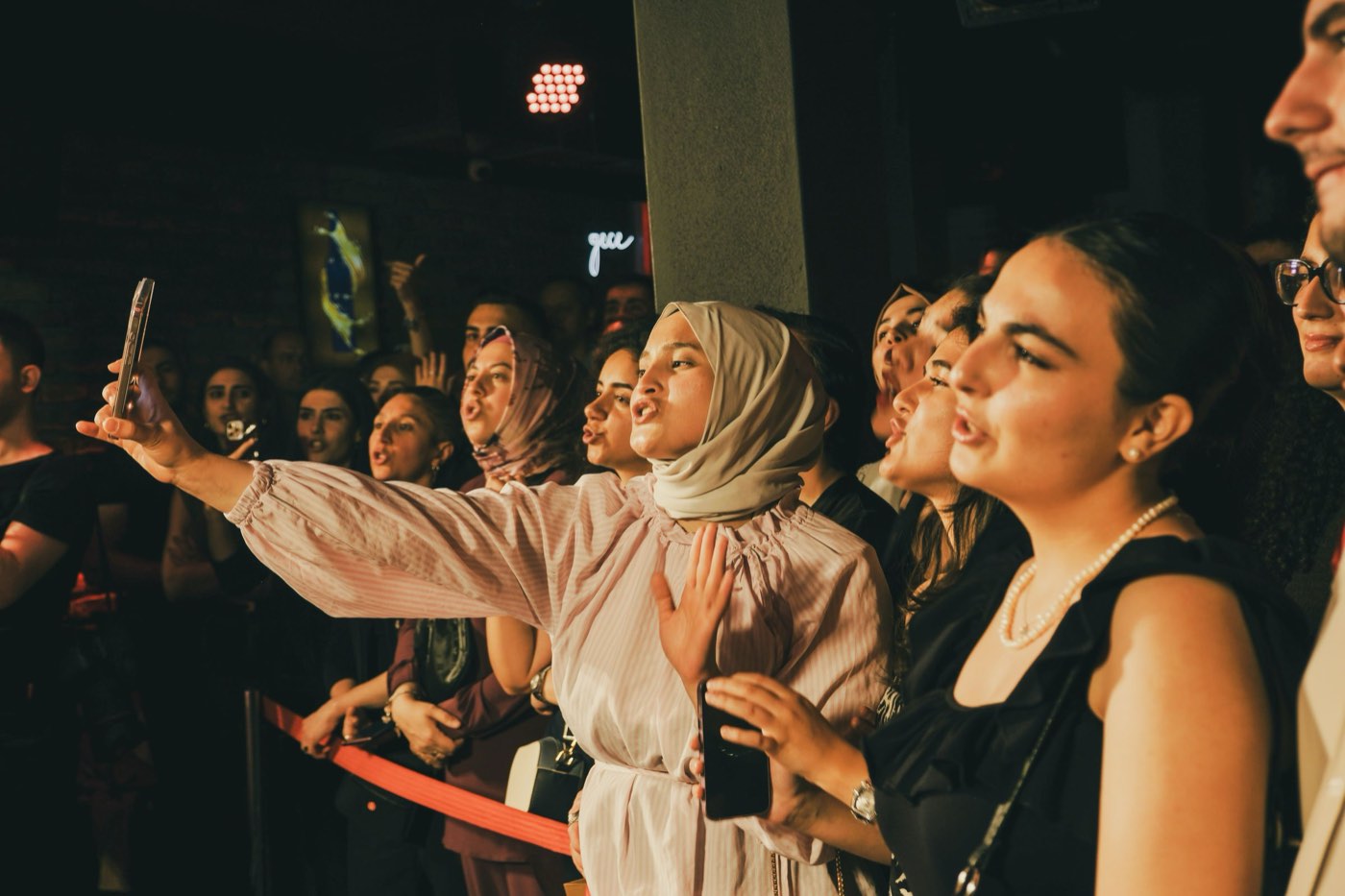

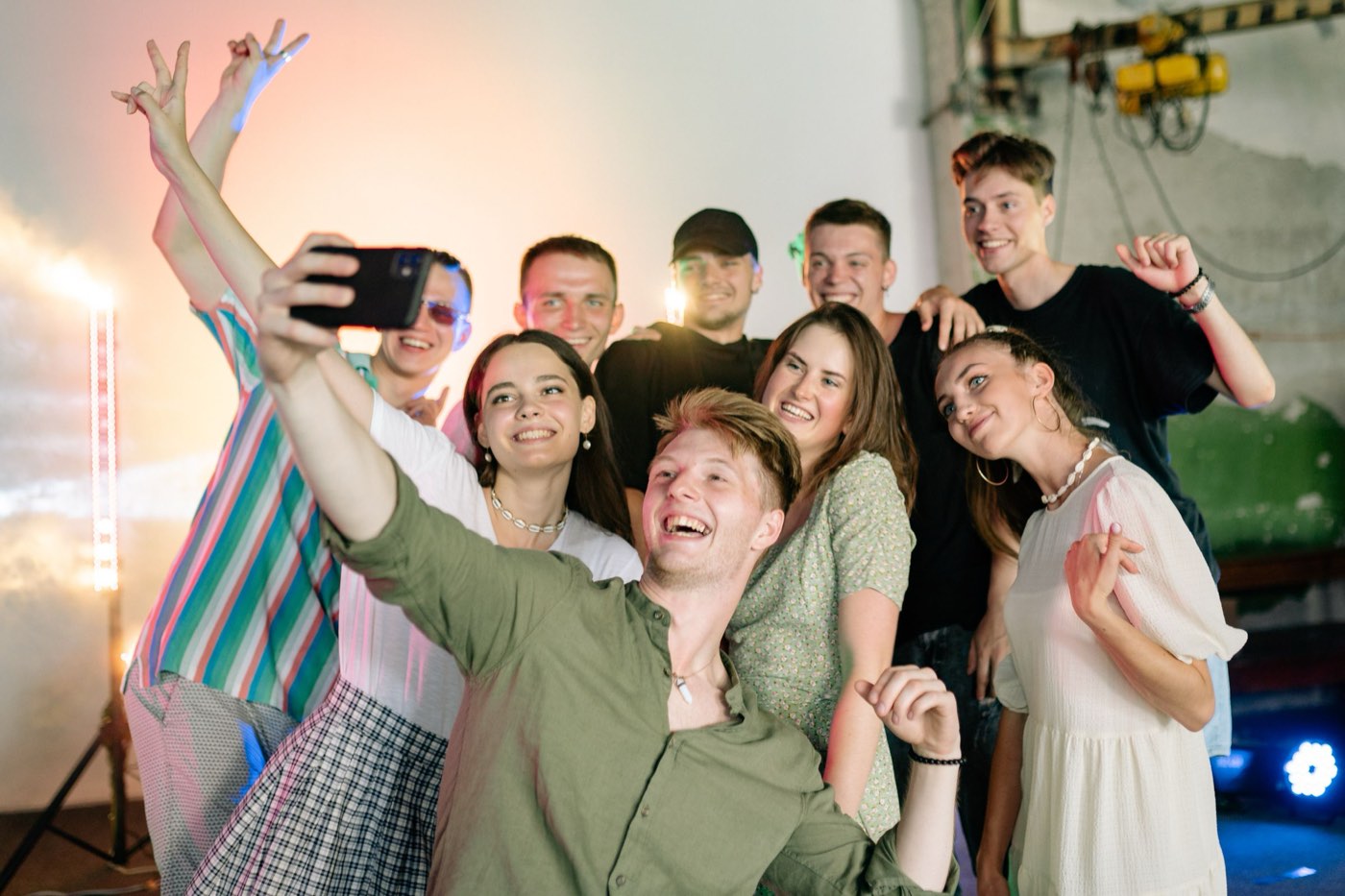
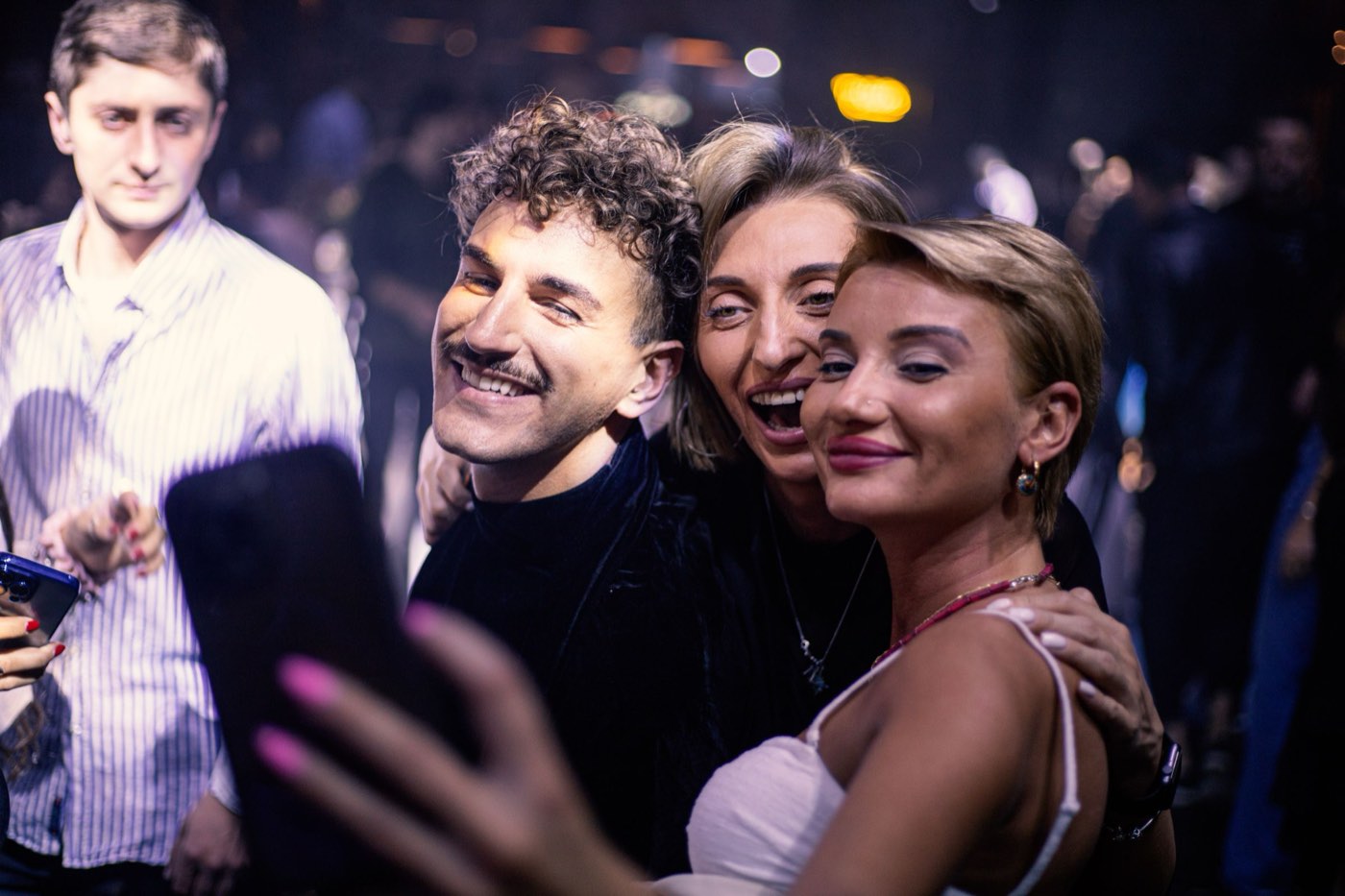
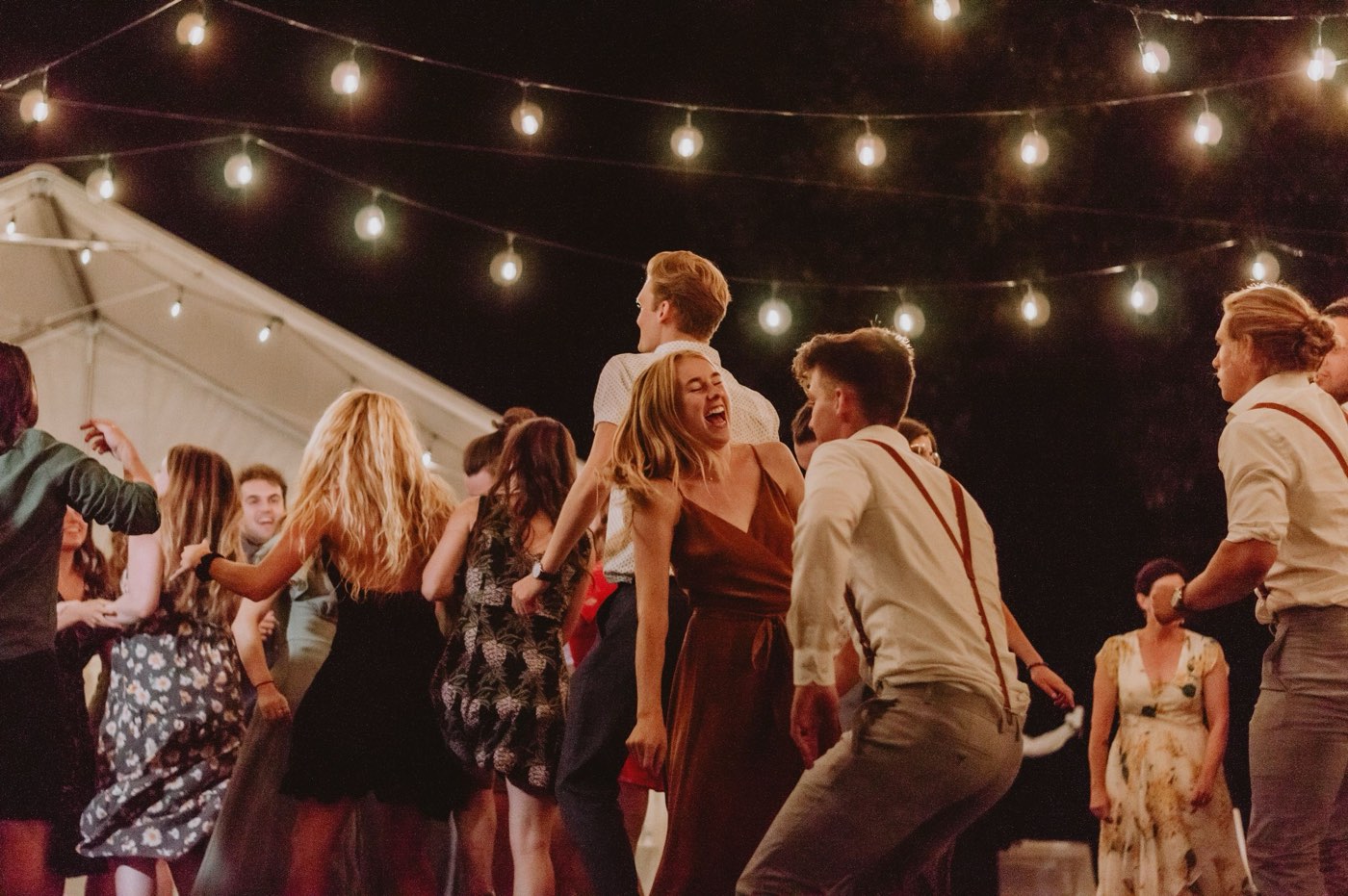
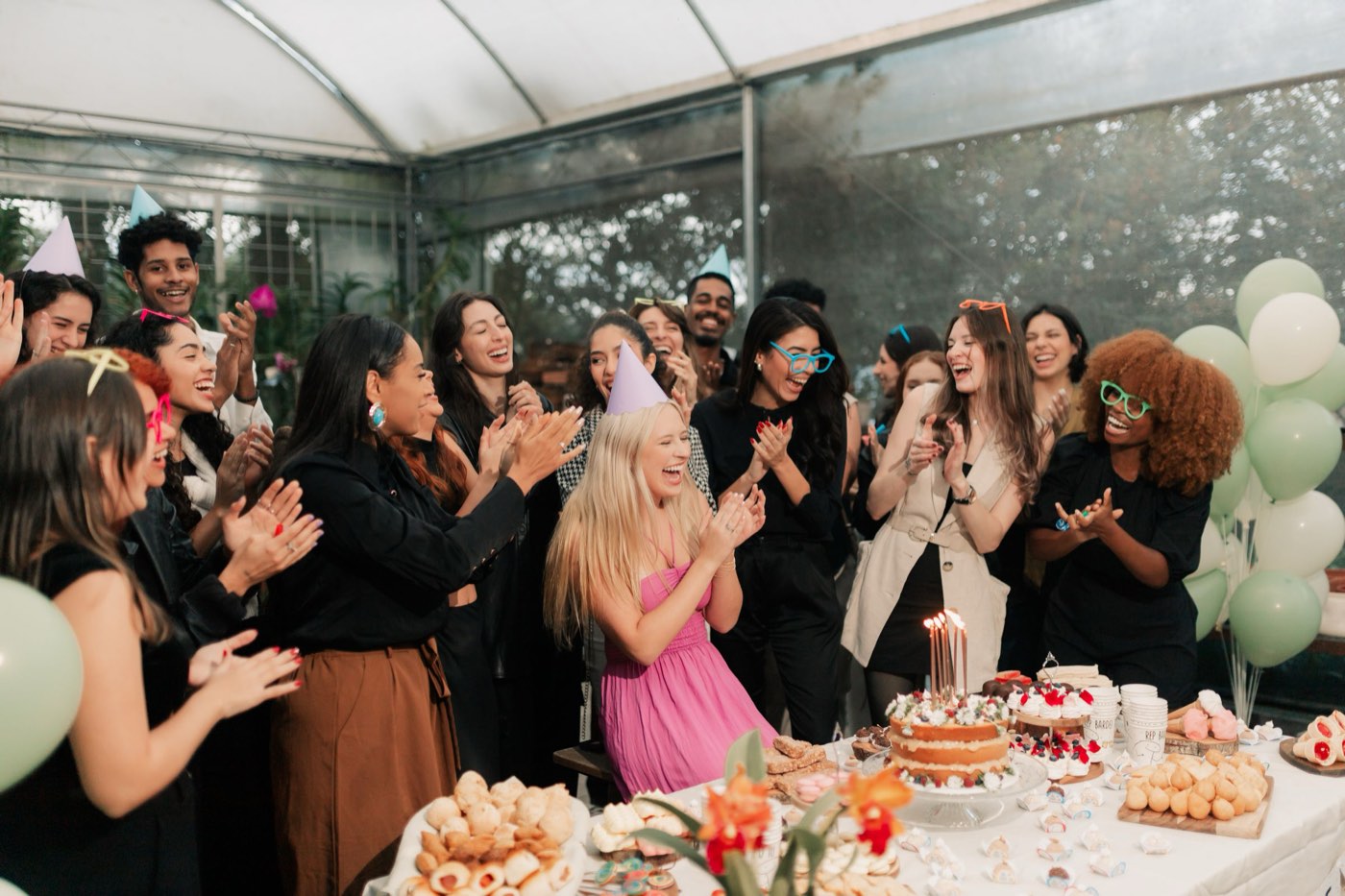
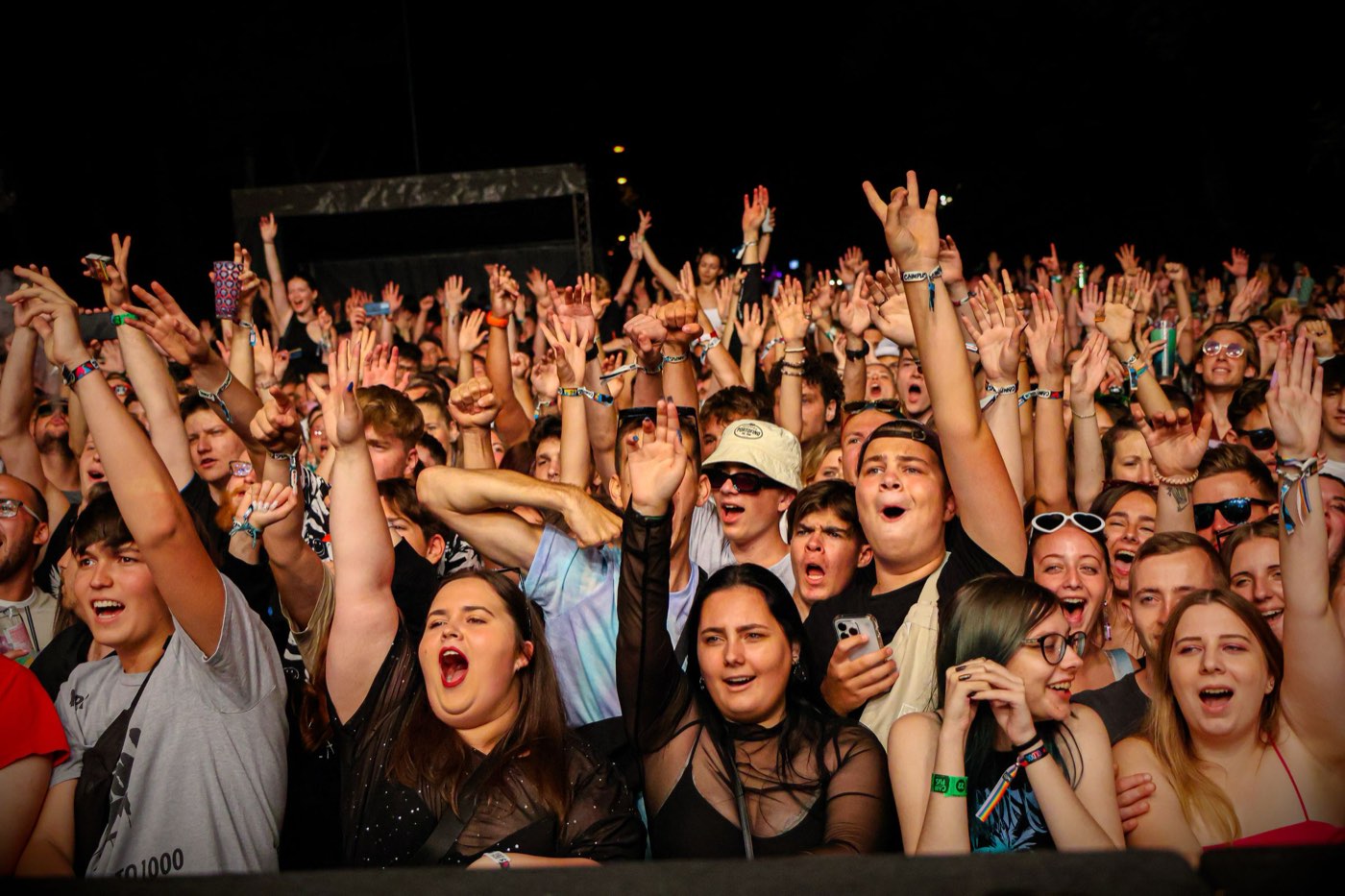
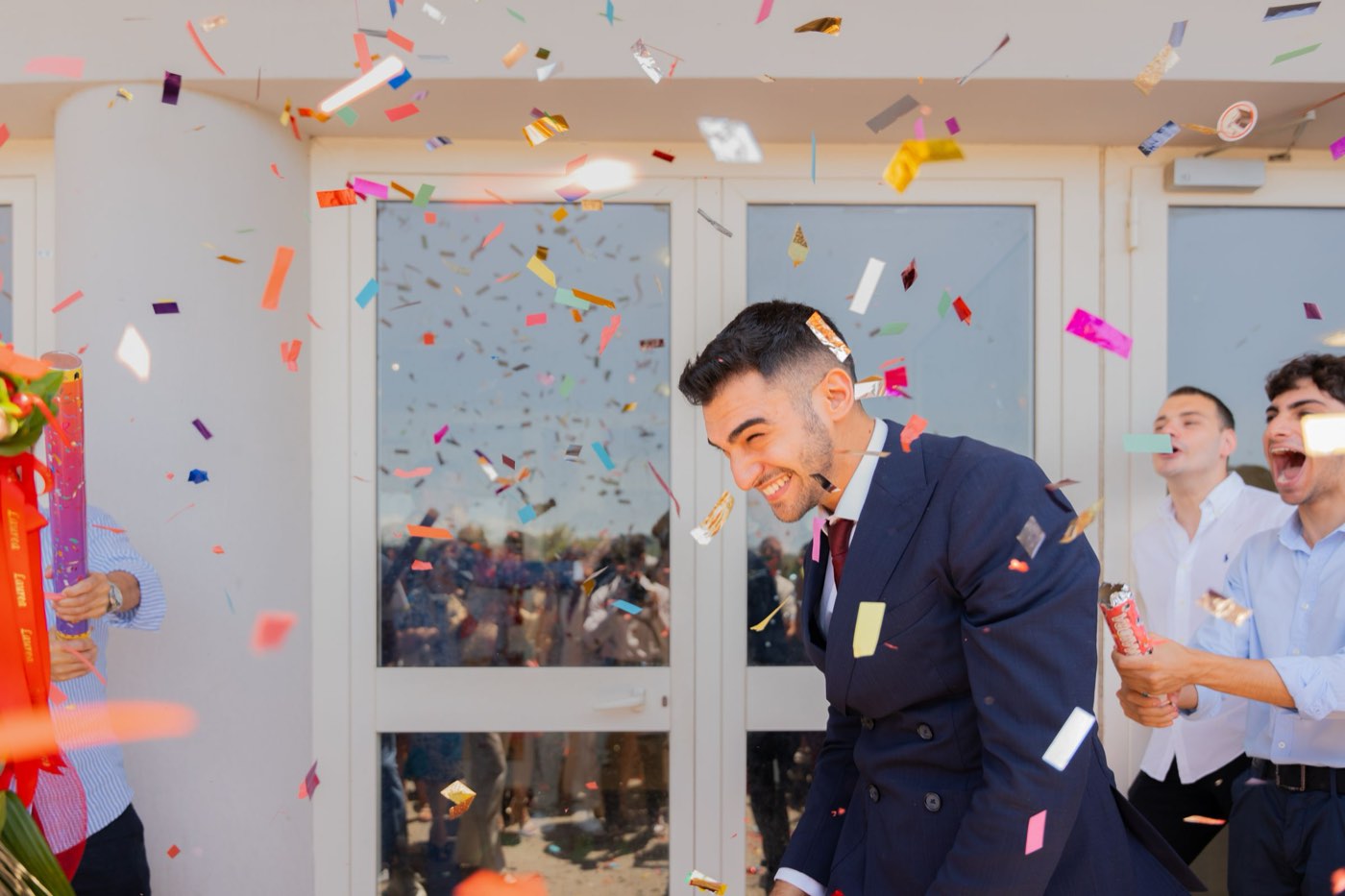
Spring Fest 2026

Spring Fest 2026
by Lens Studio · 2,418 photos
Find your photos with a selfie
Find My PhotosOne QR, every guest
No app, no signup. The album opens in any phone's browser.
A live wall
The newest photos play on the big screen while the event runs.
Sponsors on every photo
A sponsor frame on every download and share, with a count for the report.
How it works
Three steps.
- Step 01
Create the album, print the QR
Name it, choose what guests can see, and put the QR on posters, ID cards and the stage screen.
- Step 02
Your team uploads as they shoot
Hundreds of photos at a time from the media desk laptop. New photos reach guests and the live wall within a minute or two.
- Step 03
Guests find themselves
One selfie finds every photo they're in, best shots first. Every download and share carries your sponsor's frame.
- Guest uploads with review
- PIN for private events
- Folders by day or stage
- Free for your first event
Questions
What people ask us.
Can the media team upload during the event?
Yes. Upload from any laptop browser while the event runs. New photos show up for guests and on the live wall as they're processed, usually within a minute or two.
Who can see the photos?
You choose per album: the whole album for anyone with the link, only the photos each guest is in, or only your team. You can add a PIN on top.
Can our sponsors appear on the photos?
Yes. Add a sponsor bar, your own frame artwork or a corner logo. It goes on every download and Instagram share, and the album counts how many photos went out with it.
Is face search optional?
Yes. Turn it off for any album and guests browse the gallery instead. For private events, use “only your team” access or a PIN.


Your next event is one QR code away.
Make a free album in two minutes. No card, no app for your guests.