Photo sharing for every kind of event
Every photo, delivered
to everyone in it.
Weddings, fests, offsites, birthdays. Upload the photos and share one QR. Each guest takes a selfie and gets every photo they're in, with your logo on it. No app, no signup.
Free album: 500 photos, 100 guests, 15 days. No card.

Selfie takenDone
2,418 photos searchedMatched
23 photos of youReady
 Just InLive wall · Pro Night
Lens StudioSample album page
Spring Fest 2026
2,418 photos · 6 folders
Your brand, not ours
Your logo on the album page, your watermark on every photo.
No app, no signup
Guests open a link or scan a QR. That's it.
Selfie never stored
It's used once to find their photos, then dropped.
Live from the venue
Photos reach phones and the big screen while the event runs.
The problem
Great photos, delivered badly.
Most events still end with a Drive link or a WhatsApp group. The photos get there. The people in them rarely find theirs, and your name doesn't travel with them.
- 01
The WhatsApp dump
Hundreds of photos, squeezed by a chat app, scrolled past once and lost.
- 02
The folder nobody searches
Guests open a Drive link, see thousands of files and close it. Their best photo stays unseen.
- 03
One by one, on request
“Can you send mine?” Every message is time you spend sorting instead of shooting.
- 04
Your name falls off
Forwarded, cropped and reposted, the photo travels. Who took it doesn't.
Who it's for
Whoever runs the event, everyone in it gets their photos.

Photographers and studios
Sorting, sending one by one, your name lost on reposts.
Deliver every wedding, fest and offsite under your studio's name. Guests find their own photos and see who took them.
- Your logo, colours and watermark
- Priced per album, not a monthly seat
- Download all for the client as a zip
- Client photo selection, coming soon

Event organisers
One media team, thousands of guests, and a Drive link nobody opens.
Fest, conference or company offsite. QR on the posters, a live wall on the stage screen and sponsors on every share.
- Your media team uploads as they shoot
- Live photo wall at the venue
- Sponsor frames with a share count
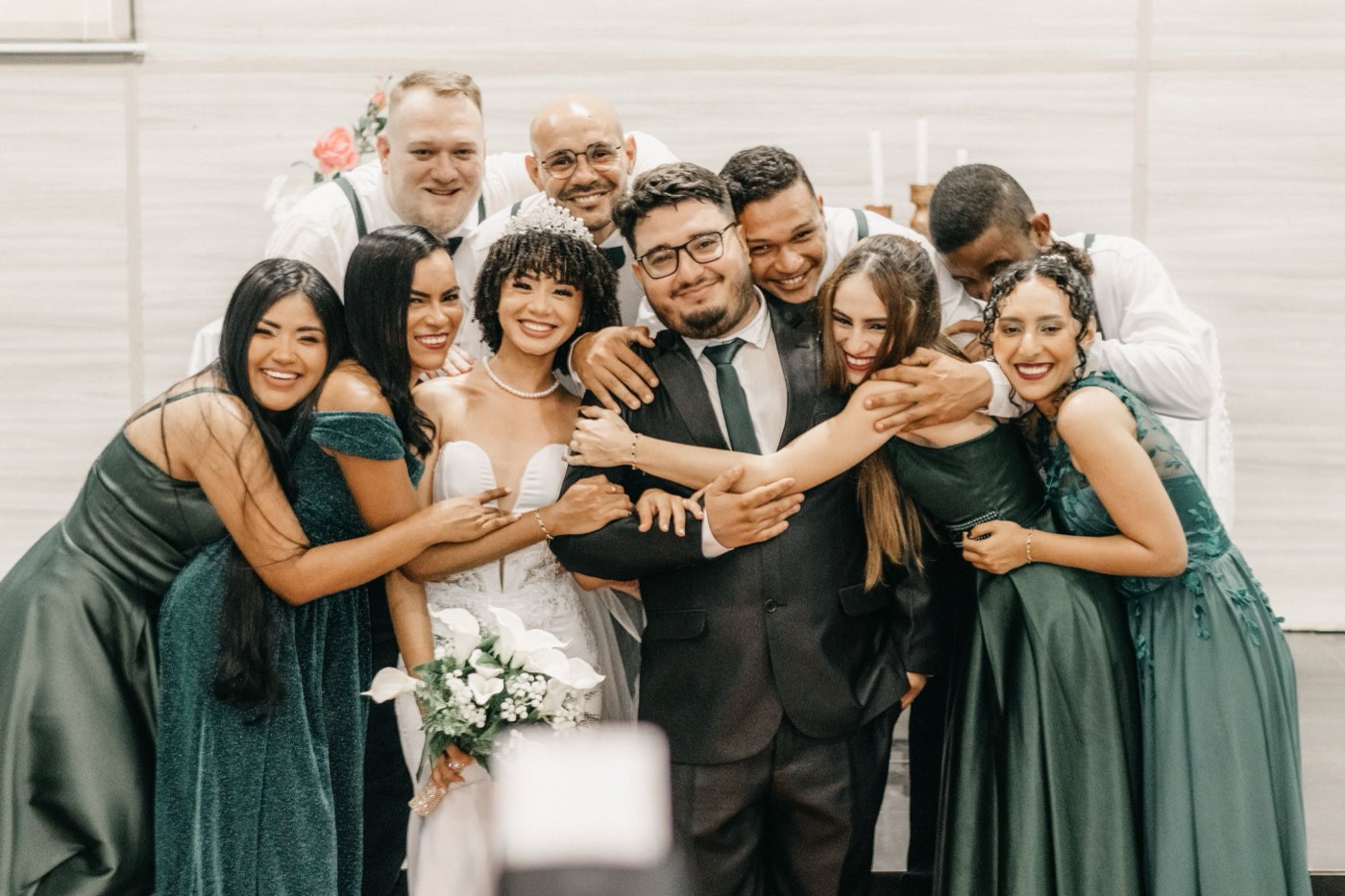
Families and friends
Everyone took photos. They're on twenty phones.
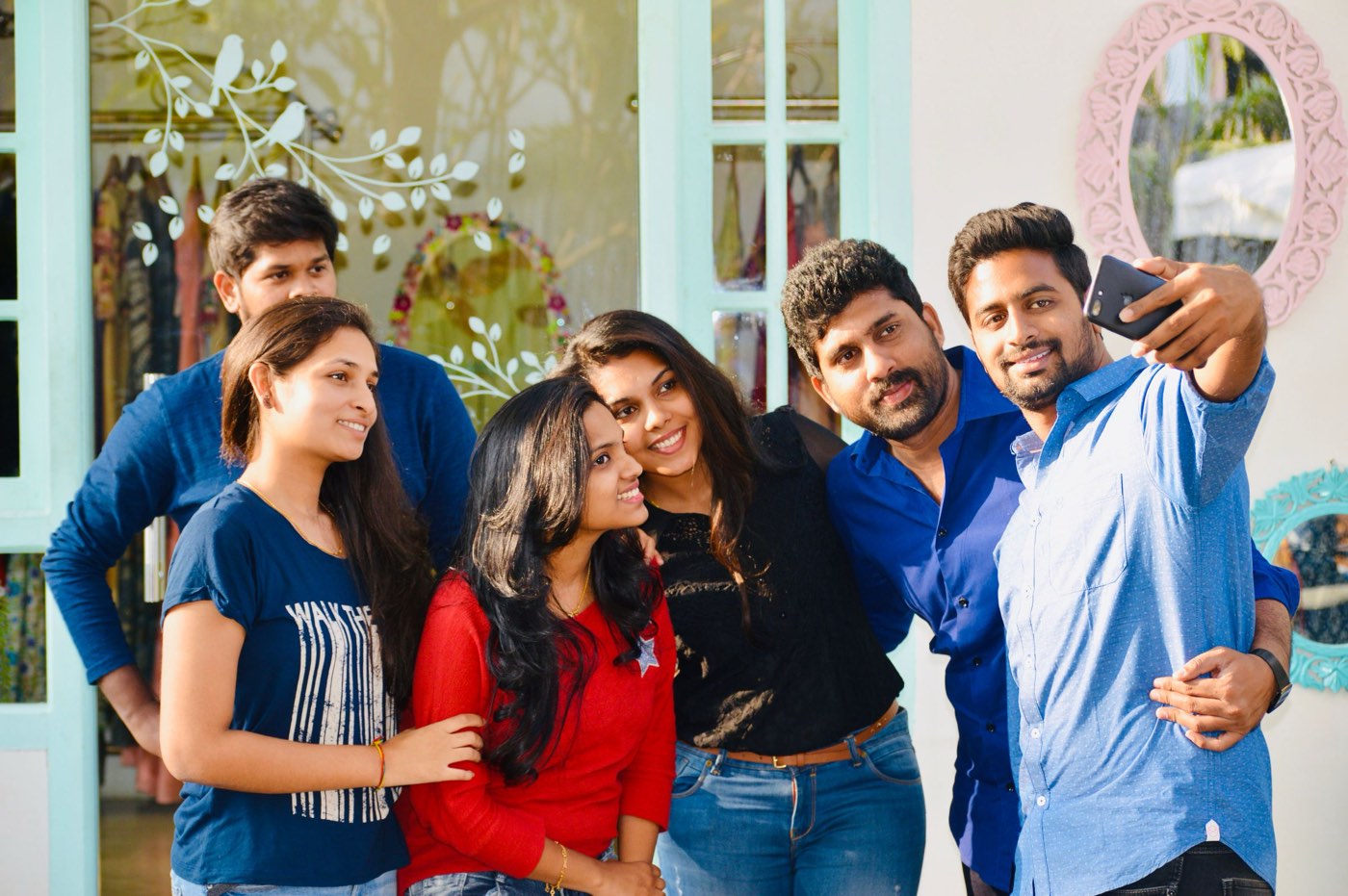
One album for the wedding, birthday or trip. Everyone adds theirs, and everyone finds the ones they're in.
- Guests add their own photos
- Full quality, not chat-app squeezed

Businesses
Offsite and launch photos stuck on one person's laptop.
Private, branded albums for team days, launches and client events. Every attendee gets theirs, marketing gets the lot.
- PIN or team-only access
- Your brand on the page and photos

Colleges and schools
Fests, sports days and graduations, scattered across student phones.
One album per event, run by your media club. Students find themselves and send in their own shots for review.
- Student uploads, approved by you
- Folders by day, event or stage
01 /How it works
Three steps, and you stop sending photos one by one.
- 01 · Before the event
Create the album, share the QR
Name it, choose what guests can see, and put the QR on the stage screen, the invite or the table cards. Your logo and watermark are already on it.
- 02 · During, or after the edit
Upload as you shoot, or after the edit
Drop in hundreds of photos at a time from your laptop browser. Duplicates are skipped and failed uploads retry with one tap.
- 03 · The same night
Guests find themselves
One selfie on the album page finds every photo they're in, best shots first, under your studio's name. They download, or post straight to Instagram.
02 /Live photo wall
Put the night on the big screen while it's happening.
Open the wall on the projector laptop and it plays the album's newest photos, full screen. Every new upload jumps the queue, so the crowd sees itself minutes after the shot.
- New photos arrive with a “Just In” badge
- Show your team's photos only, guest photos after review, or everything live
- A QR in the corner brings the whole room to the album
- Runs in any browser. Nothing to install

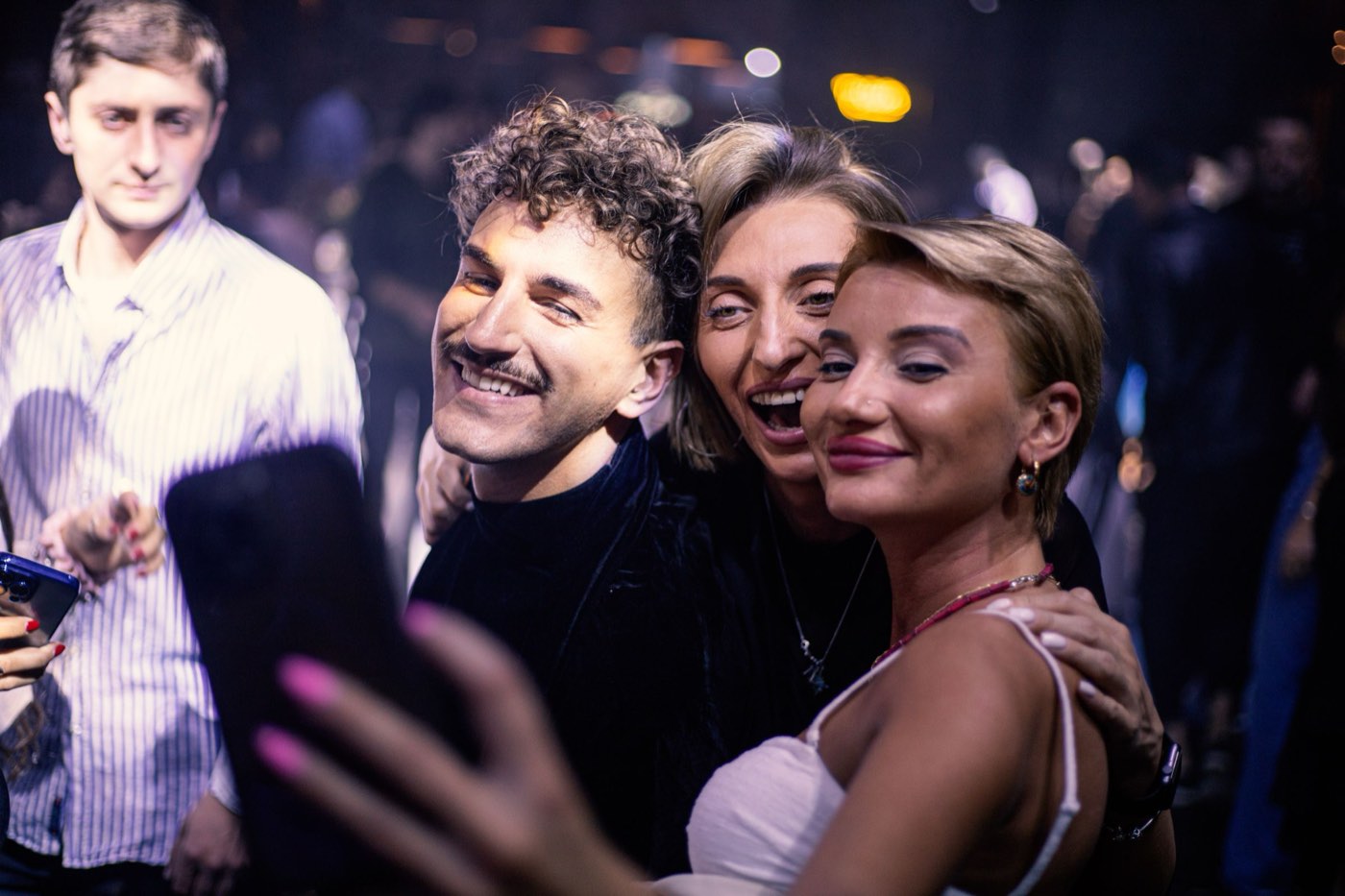
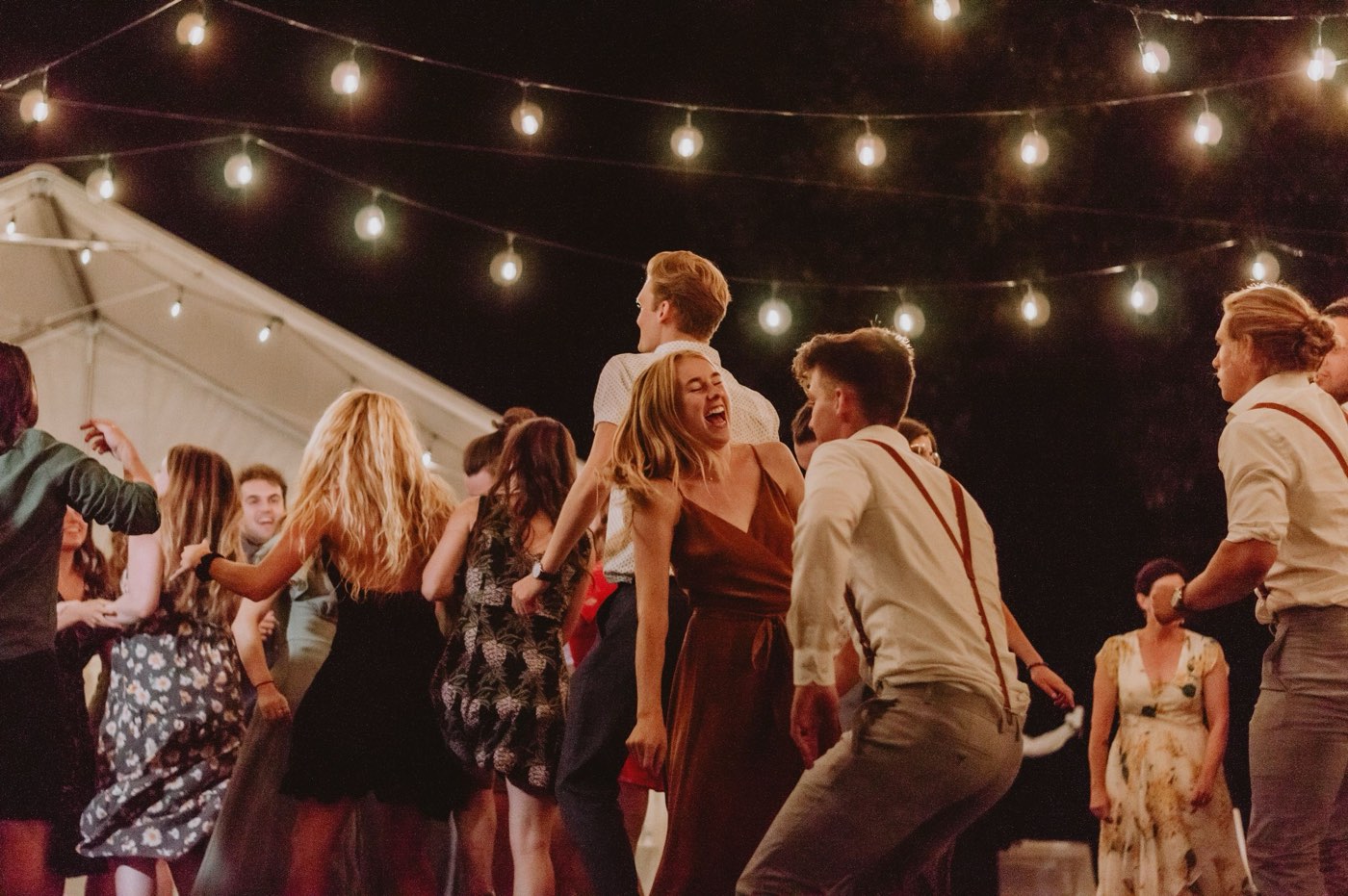

Spring Fest 2026
Spring Fest 2026
by Lens Studio · 2,418 photos
Find your photos with a selfie
Find My Photos03 /Selfie search
Twenty thousand photos. Theirs, in seconds.
Guests tap “Find My Photos”, agree to a plain-language consent screen and take a selfie with the live camera. Pixinoid shows every photo they're in, sharpest first.
- Live camera only, so nobody can search with someone else's picture
- The selfie is used for one search, then thrown away
- Albums can show guests only their own photos, never everyone's
- Their results stay on their phone for 30 days, no account needed
Before Your Selfie
Used once, then deleted
Matches stay on this phone
Gone with the album
I Agree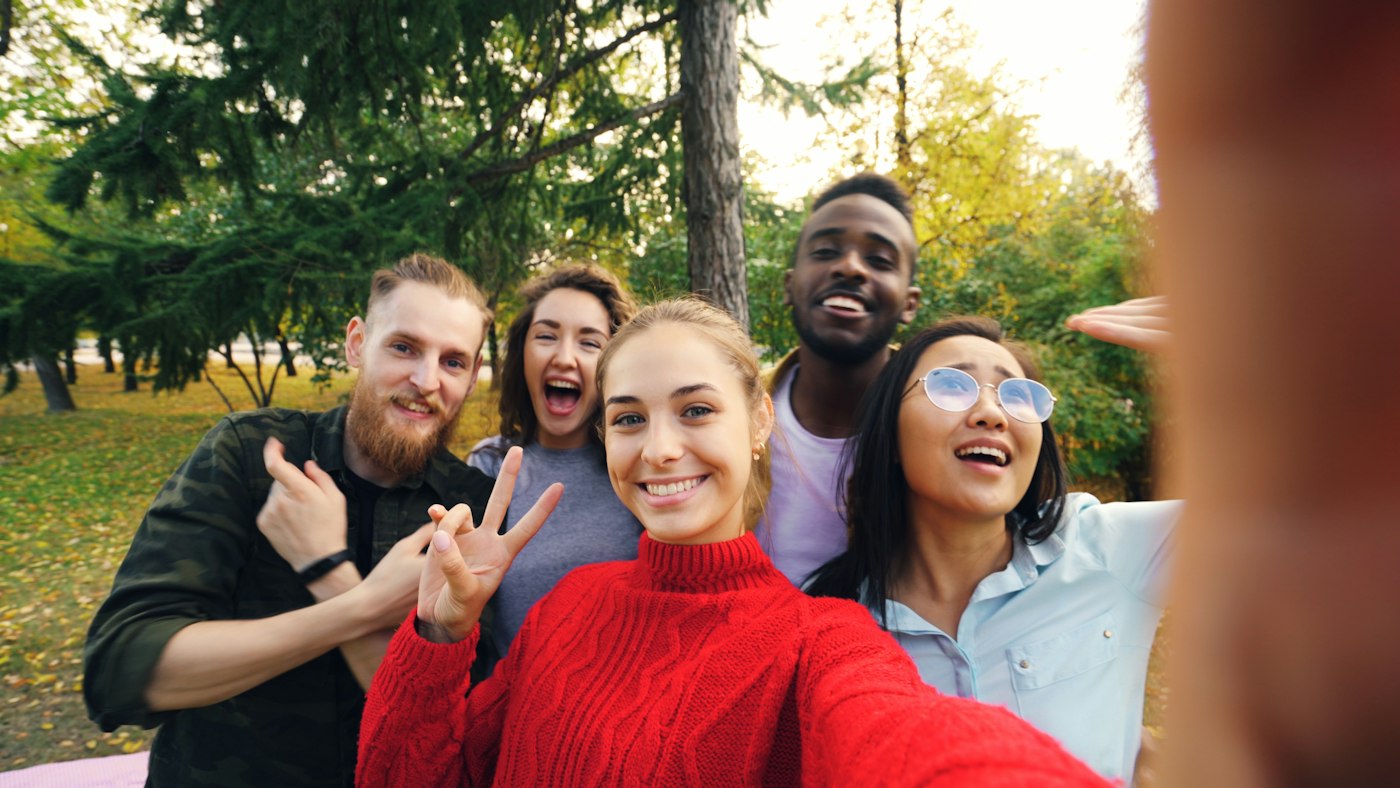
Hold still…
18 photos of you
Best shots first



04 /Watermark, sponsor frames and Instagram
Your name on every photo that leaves the event.
Your studio watermark goes on everything guests see. When the event has a sponsor, add their frame once. Every download and share carries it, and Pixinoid counts them.
- Your studio watermark on everything guests see
- One tap for a 4:5 Instagram post or a 9:16 story card
- Sponsor frames: a bar with logo and hashtag, your own artwork, or a corner logo
- Browsing stays clean. The frame goes on what leaves
LENS STUDIOPost · 4:5

Spring Fest 2026
Story · 9:16
05 /Everything else you'll need
The small things that save you on the day.
Download all
One zip of the whole album or a single folder, streamed so it starts at once.
PIN-protected albums
Add a PIN for private events. Change it and old links stop working.
Folders by day or stage
Day 1, Pro Night, Candids. Guests browse the way the fest ran.
Guest uploads, reviewed
Let guests add their own photos. Approve each one before it goes up.
Best shots first
Sharp, well-lit faces rise to the top of every guest's results.
Works on every phone
A web page, not an app. Fast on campus Wi-Fi and mobile data.
Your brand, not ours
Your logo and colours on the album page guests open.
Priced per album
Pay for the events you run, not a monthly seat. Start free.
- Coming soon
RAW and full-size files
Upload RAW straight from the card, at any size. We make the guest-ready copies.
- Coming soon
Client photo selection
The couple or client hearts their favourites, and you get the list for the print album.
- Coming soon
Likes, comments and a guestbook
Guests react to photos and leave a message for the hosts.
- Coming soon
Download control
Allow full downloads, watermarked only, or none at all, per album.
- Coming soon
Album insights
Views, searches, downloads and shares for every album, ready for the client or sponsor.
- Coming soon
Search by what's in it
Find photos by tag, moment or place, not only by face.
- Coming soon
Your own domain
Albums on photos.yourbrand.com instead of our link.
- Coming soon
Branded portfolio
A public page of your best albums to show the next client.
06 /Use cases
Whatever the event, every guest gets theirs.

Weddings
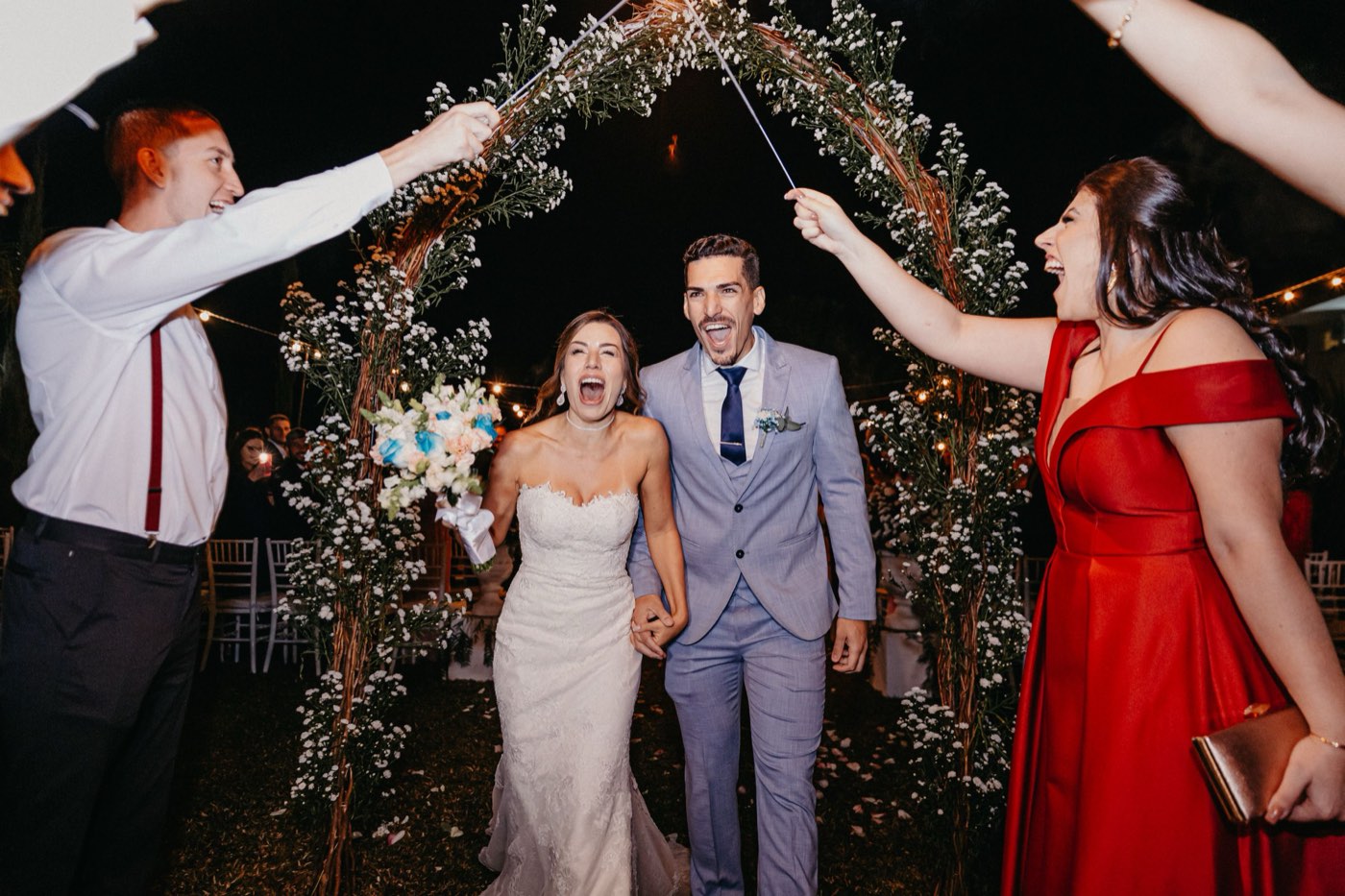
Hundreds of guests, one QR. Folders for each function, a PIN for the family, the studio's name on the page.
See how it worksCollege fests
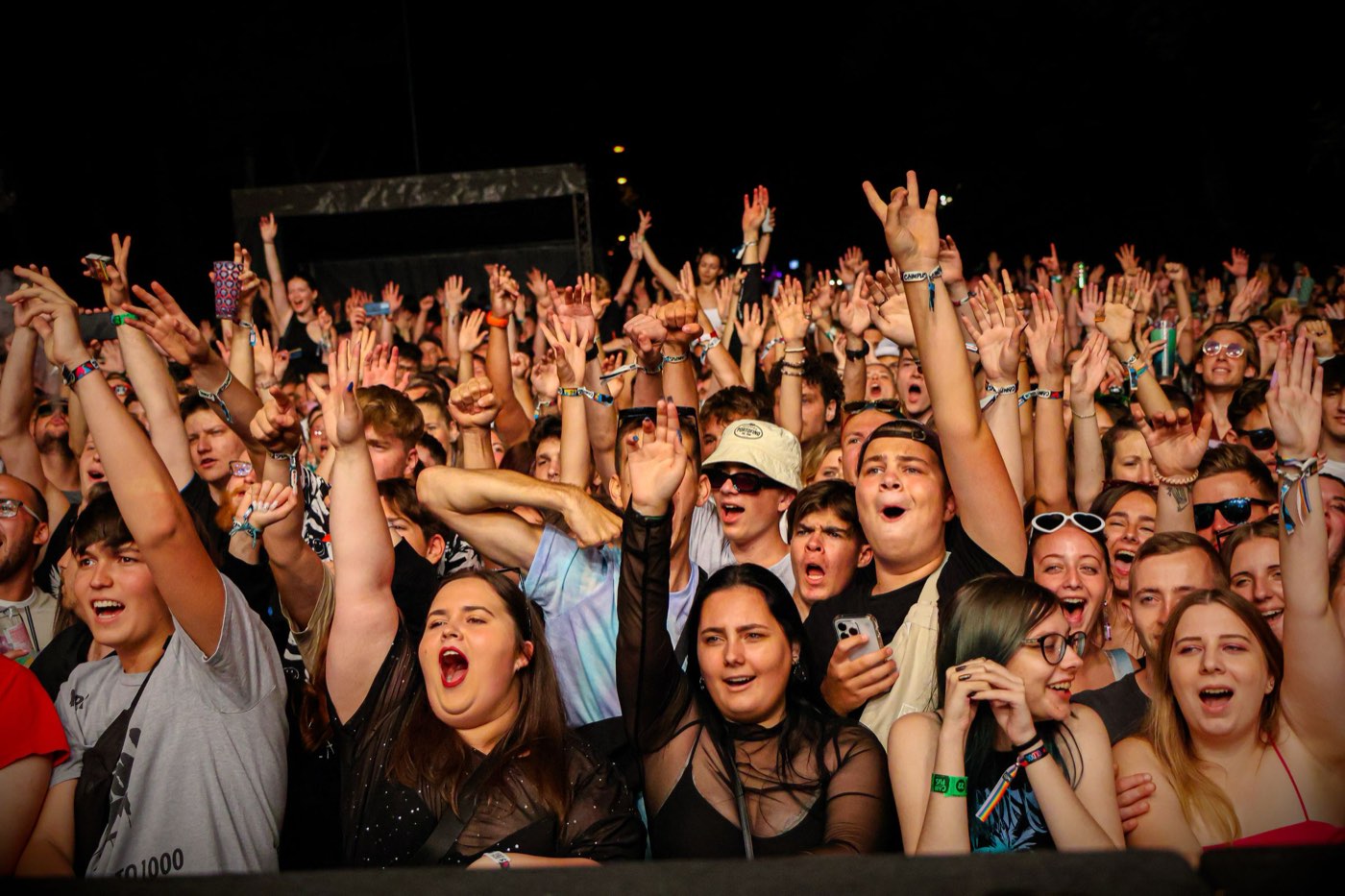
Thousands of students, three days, one media team. Live wall at pro night, sponsors on every share.
See how it works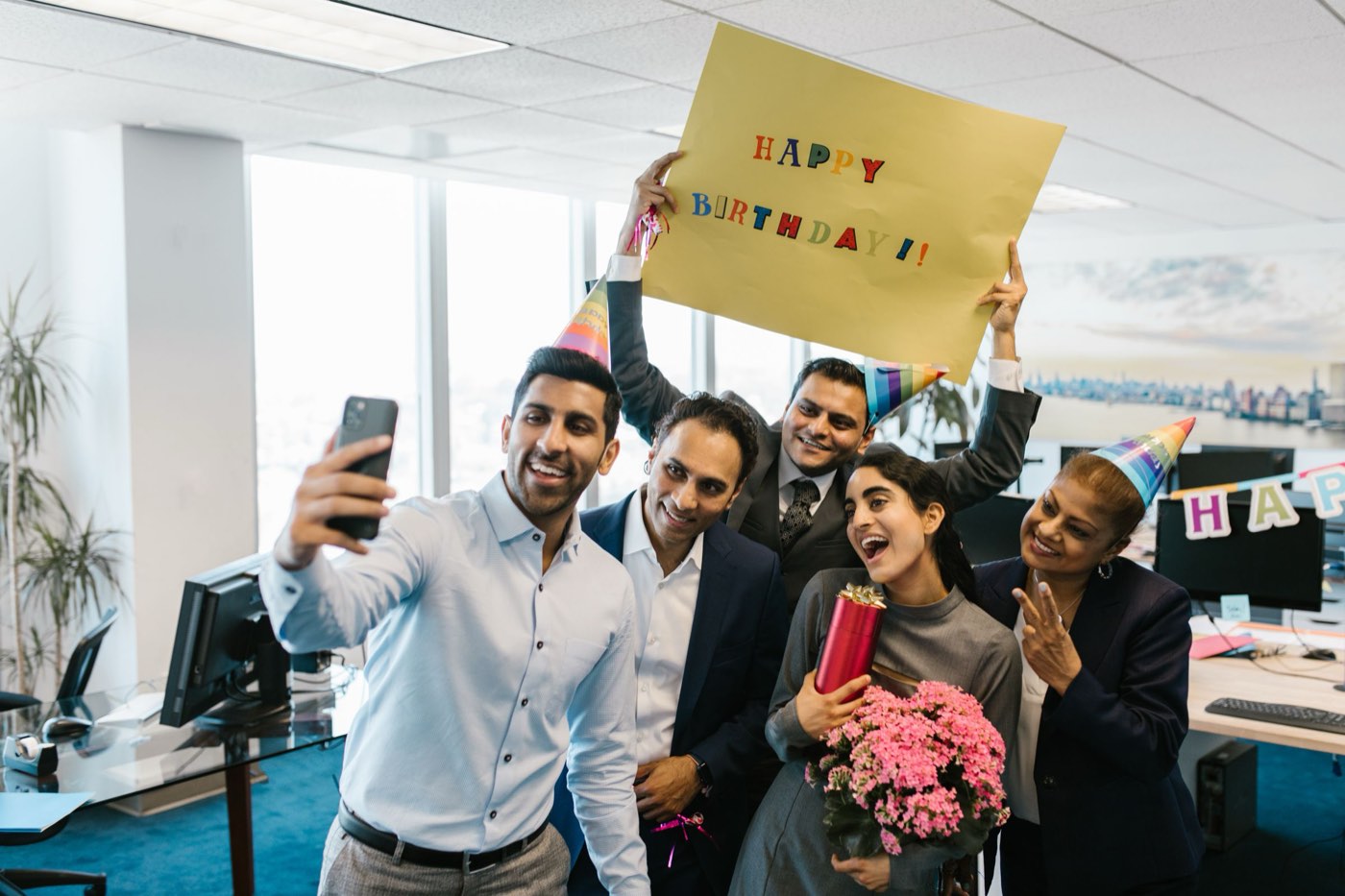
Corporate events
Private albums with a PIN, so photos stay inside the company and reach every attendee.
See how it works
Conferences
Hundreds of strangers, no idea who's who. Selfie search finds each person in the crowd.
See how it works
Parties and celebrations
Birthdays, anniversaries, reunions. Everyone adds their photos, everyone finds theirs.
See how it works
Marathons and runs
Thousands of runners, sharpest finish-line shot first, a sponsor frame on every share.
See how it works
07 /Face data
Face search people can say yes to.
Biometric data deserves care, and India's DPDP Rules ask for it. Pixinoid is built around consent and deletion from the first screen.
Consent first
Guests see what happens to their face before the camera opens.
Never stored
The selfie is used for one search and discarded.
Deleted with the album
Delete the album and its face index goes with it.
Your call
Turn face search off for any album. Guests then browse instead.
08 /Pricing
Free for your first event. Per album after that.
Free album
₹0per album
Everything you need to run one event and see it work.
- 2 GB of photos
- Up to 500 photos
- 100 guests
- 300 face scans
- Live for 15 days
Fests, studios and big events
Let's talkpriced per album
More photos, more guests, more scans and more time. Tell us about your event and we'll set the album up for it.
- Tens of thousands of photos
- Thousands of guests and scans
- Albums that run for months
- Help on the day of the event
09 /Questions
What people ask us before their first album.
Whose brand do guests see, mine or Pixinoid's?
Yours. The album page shows your logo and colours, and your watermark is on every photo guests see and download.
Do guests need an app or an account?
No. Guests open the album link or scan the QR in their phone's browser. Finding their photos takes one selfie, and nobody is asked to sign up.
What happens to the selfie?
It's sent once to find matching faces in that album, then discarded. We keep only the list of photos it matched, for that phone, for 30 days, so guests can come back to their results.
Can the media team upload during the event?
Yes. Upload from any laptop browser while the event runs. New photos show up for guests and on the live wall as they're processed, usually within a minute or two.
Who can see the photos?
You choose per album: the whole album for anyone with the link, only the photos each guest is in, or only your team. You can add a PIN on top.
How big can an album get?
A free album holds 500 photos and 100 guests. Fests and studios get albums sized for the event, with tens of thousands of photos. Talk to us and we'll set one up.
What happens when the album's plan ends?
The album stays up, read-only. Guests can still open it and download their photos. Uploads and new face scans stop until the plan is extended.
Can our sponsors appear on the photos?
Yes. Add a sponsor bar, your own frame artwork or a corner logo. It goes on every download and Instagram share, and the album counts how many photos went out with it.
Is face search optional?
Yes. Turn it off for any album and guests browse the gallery instead. For private events, use “only your team” access or a PIN.


Your next event is one QR code away.
Make a free album in two minutes. No card, no app for your guests.